Animaker logo - Video Generation brand identity

Animaker (2026)

Expert Reviewed
by Albert SchaperLast reviewed: Nov 2, 2026

Create Animated & Live-Action Videos with AI for Free

3 ratings
4.3
Monthly users
1.4M
Platform
Web App / Mobile App

Overview

Animaker is a cloud-based AI-powered video creation platform for animated and live-action content. It combines a drag-and-drop editor with 25+ video tools, including 2D animation, whiteboard, GIF and short video creation, and real-footage editing. Its AI capabilities cover script‑to‑video, text‑to‑speech, auto-lip sync, auto-resizing, AI subtitles, and ge...
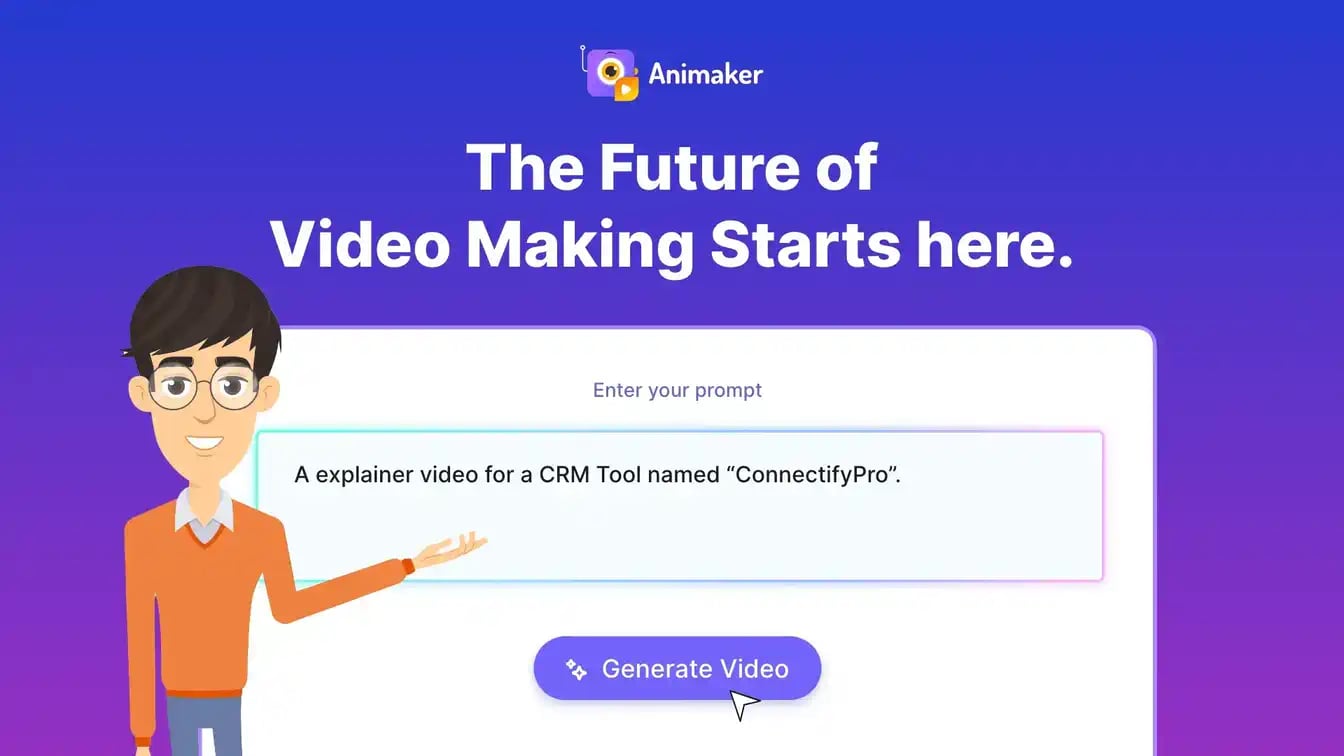
Animaker Video Generation showing Video Generation - Create Animated & Live-Action Videos with AI for Free

Video Showcase

Rate this Tool

4.3 / 5based on 3 ratings

About Animaker

“Create Animated & Live-Action Videos with AI for Free”

Animaker is a video generation tool developed by Animaker (US) designed for content creators, marketing professionals and educators. Animaker is a Video Generation and Editing solution for content creators, marketers, educators, and businesses that uses AI and drag-and-drop tools to rapidly produce animated and live-action videos from text with rich assets and collaboration. Pricing: Freemium, Enterprise, Contact for Pricing. With over 1.4 million monthly visits, Animaker has established a significant user base. Animaker follows a freemium / subscription pricing model, with plans from a free plan up to $80/mo. It is available on Web App and Mobile App. Developer integration is supported through JavaScript/TypeScript SDKs. It competes in the same space as Vyond, Powtoon and Renderforest. Animaker offers Global hosting. Explore more video generation tools or browse all categories.

Animaker Snapshot

Key facts we track so you can judge fit before visiting the provider.

Primary category
Video Generation
Best fit
Content Creators, Marketing Professionals, Educators +4 more
Platforms
Web App, Mobile App
Provider context
Animaker - US
Developer access
JavaScript/TypeScript
Data handling
Global hosting
Evidence signals
1.4M monthly visits, 4.3 rating from 3 ratings, 26 community favorites +1 more

Before you choose Animaker

  • Confirm Animaker's current limits, renewal terms, and seat pricing on the official site.
  • Verify privacy, retention, and data-processing terms before using sensitive data.
  • Run a small pilot with your real workflow before adopting it as a core tool.
  • Make sure the supported platform matches where your team actually works.

What to verify

  • Privacy policy, retention terms, and data-processing details should be checked with the provider.
  • Integration depth is unclear; test import/export, API access, or workflow handoff before relying on it.

Listing data is compiled from structured provider information, public signals, submissions, and periodic checks where available. Treat this page as a shortlist aid, then verify pricing, compliance, and product limits with the provider before making a business-critical decision.

How Animaker Works

Understanding the core functionality and approach of Animaker.

Animaker removes upfront barriers to video creation with a generous free plan. Content creators can test features and output quality before upgrading. Latest release shipped on November 2, 2026, showing a fast-moving roadmap.

Key Features

Explore what makes Animaker stand out.

Flexible video output

Batch export capabilities let you create multiple versions for different platforms.

Client libraries available

Official SDKs handle authentication, retries, and error handling automatically.

Campaign coordination

Growth teams move faster when messaging, assets, and analytics live together. Animaker is positioned for marketing workflows such as campaign work, content operations, or performance review.

Use Cases

Discover how different audiences leverage Animaker.

Content Creators

Streamline creative processes

Content Creators rely on Animaker to keep content volume high—templates, collaboration, and AI help hit deadlines without extra headcount.

FAQ about Animaker

What is Animaker and what does it do?

Animaker is Create Animated & Live-Action Videos with AI for Free. Animaker is a cloud-based AI-powered video creation platform for animated and live-action content. It combines a drag-and-drop editor with 25+ video tools, including 2D animation, whiteboard, GIF and short video creation, and real-footage editing. Its AI capabilities cover script‑to‑video, text‑to‑speech, auto-lip sync, auto-resizing, AI subtitles, and generative video and asset credits across plans. Users can access one of the world’s largest libraries of templates, stock assets, and customizable characters, collaborate in real time, export up to 4K, and publish directly to 100+ channels, making it suitable for marketing, education, and social content for individuals, teams, and enterprises. Available on Web App, Mobile App, Animaker is designed to enhance productivity and deliver professional-grade video generation capabilities.

How much does Animaker cost?

Animaker offers Freemium, Subscription pricing options. Paid tiers include $1/mo, $12/mo, and Basic ($15/mo). Additional paid tiers are shown up to $468/mo. Current estimates suggest pricing from Paid from $15 / month. You can start with a free tier to test the platform before committing to a paid plan. For the most current pricing details and plan comparisons, visit the official Animaker pricing page or contact their sales team for custom enterprise quotes. See also Free vs Paid AI Tools for guidance on choosing the right plan.

What platforms does Animaker support?

Animaker is available on Web App, Mobile App. The web application provides full functionality directly in your browser without requiring downloads. Mobile apps enable you to work on-the-go with synchronized data across devices. This multi-platform approach ensures you can use Animaker wherever and however you work best.
How can I try Animaker before purchasing?
The freemium model gives you access to essential features at no cost, with premium capabilities available through paid upgrades. Testing the platform before committing ensures it meets your specific requirements and integrates smoothly with your existing workflows. Support for English, Spanish, French, German, Portuguese, Italian, Dutch makes it accessible to global users.
What file formats does Animaker support?
Animaker accepts Users can upload images, videos, and audio files to incorporate into their animations. as input formats, making it compatible with your existing files and workflows. Output is delivered in Animaker allows users to export videos in MP4 format, suitable for sharing on various platforms., ensuring compatibility with downstream tools and platforms. This format flexibility allows seamless integration into diverse tech stacks and creative pipelines.
Who develops and maintains Animaker?
Animaker is developed and maintained by Animaker, based in US. Most recently updated in November 2026, the platform remains actively maintained with regular feature releases and bug fixes. This ongoing commitment ensures Animaker stays competitive and aligned with industry best practices.
How do I get access to Animaker?
Animaker is freely available to everyone without registration requirements. You can start using the platform immediately without going through lengthy approval processes.
How is usage measured and billed in Animaker?
Animaker uses Projects, Pay-as-You-Go as billing metrics. This usage model ensures you only pay for what you actually use, avoiding unnecessary overhead costs for features you don't need.
What deployment options does Animaker offer?
Animaker supports Cloud deployment configurations. Cloud-hosted options provide instant scalability without infrastructure management overhead. Choose the deployment model that best aligns with your technical requirements, security constraints, and operational preferences.
Who is Animaker best suited for?
Animaker is primarily designed for Content Creators, Marketing Professionals, Educators and Entrepreneurs. Professionals in video generation find it invaluable for streamlining their daily tasks. Whether you need automation, creative assistance, data analysis, or communication support, Animaker provides valuable capabilities for multiple use cases and skill levels. Check out our content creator guide for more recommendations.

Stay updated with the latest news and insights about Animaker and the AI industry.

ByteDance Seedream 5.5: Pixel-Stable Editing Across 100 Rounds & RGBA Output for Professionals – bytedance
Product Launches

ByteDance Seedream 5.5: Pixel-Stable Editing Across 100 Rounds & RGBA Output for Professionals

3 min read
ByteDance's Seedream 5.5, launched November 9, 2026, offers professional image editing with pixel-stable results across 100 edits and native RGBA output. It improves realism and dense text rendering, outperforming models like GPT Image 2.5 Sunburst.
Read Article

Compare Similar Tools

See how Animaker stacks up against similar alternatives in the market.

Canva Magic Studio icon

Canva Magic Studio

All the AI magic of Canva, in one place.

401
Freemium
+1 more
Wan icon

Wan

AI Video Creation. Realism. Audio. Control.

313
Adobe Express icon

Adobe Express

Bring ideas to life faster with AI | Adobe Express

275
Freemium
+2 more
For tool providers

Keep Animaker's listing accurate

Providers can update product facts, pricing context, screenshots, and launch notes. Paid placements are labeled separately and do not replace editorial or data-quality review.

How to Evaluate Animaker

Compare Animaker with Vyond, Powtoon, Renderforest and other alternatives before you decide. The goal is not to pick the most popular product; it is to find the tool that fits your actual workflow, risk level, and budget.

  1. Step 1Test Animaker with one real workflow before moving important work into it.
  2. Step 2Model the full monthly cost at your expected usage, including seats, limits, and overages.
  3. Step 3Verify the integration path with your existing stack before you commit.
  4. Step 4Review privacy, retention, and compliance terms before using sensitive data.

Use the video walkthrough to check whether the interface matches the claims. For developer teams, inspect the JavaScript/TypeScript SDK. For broader context, browse more video generation tools for content creators, or compare this page against the category hub. New to AI tool evaluation? Start with AI Tool Navigator.

Share Animaker

Know someone who would find it useful? Send it along.

Report an Issue

Something wrong or missing about Animaker? Tell us and we will look into it.

AI Tool Consulting

Need a tool shortlist for a real business use case?

Get a structured 3-5 tool recommendation, pricing comparison, and implementation roadmap for your team.

Fixed-scope 500 EUR optionBased on Best-AI.org tool dataManual expert review
Get matched