AI Tools for Students That Fit Real Study Workflows
Find student-friendly AI tools for lecture notes, research papers, flashcards, citations, writing feedback, and focused exam prep.
Students need study companions that adapt to their pace. AI study aides reinforce concepts, streamline research, and keep procrastination in check.
Course loads intensify while support resources stay static. AI tutoring, note summarization, and accountability tools give learners personalized help without waiting for office hours.


Community leaders
Google Gemini · ChatGPT · Perplexity
Start with your study goal
Pick a task to open an AI-assisted recommendation prompt, then compare tools once you have a shortlist.
Turn lectures into study notes
Summarize classes, PDFs, and recordings into organized notes you can review quickly.
Ask AI FinderWrite with citations
Draft essays, check structure, and keep research sources visible while you edit.
Ask AI FinderCreate flashcards and quizzes
Convert material into spaced repetition, practice questions, and exam prep sessions.
Ask AI FinderPlan exams and deadlines
Build study plans, split assignments into steps, and protect focus during busy weeks.
Ask AI FinderShowing 12 of 1,883 AI tools for Students
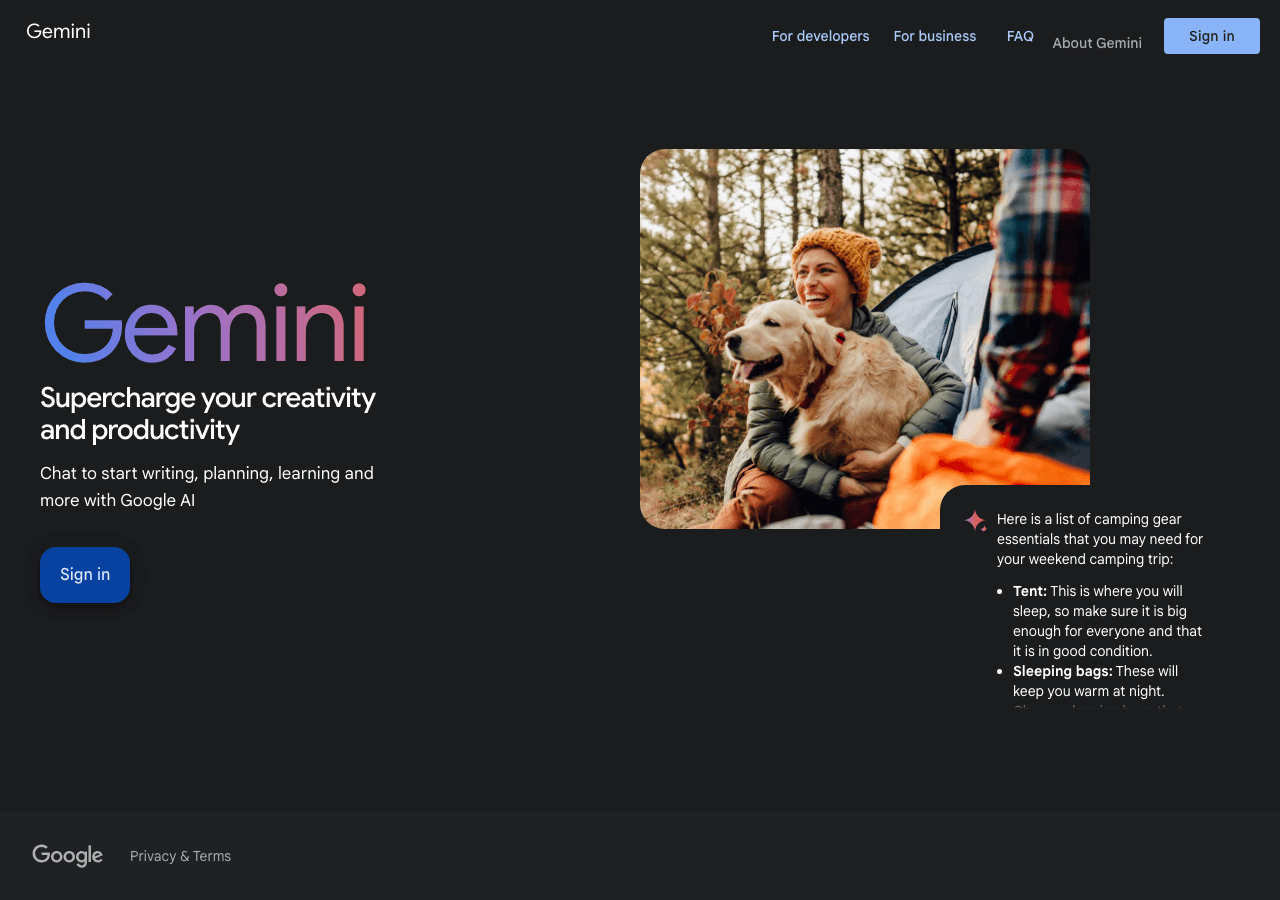
Your everyday Google AI assistant for creativity, research, and productivity
Gemini is Google's family of advanced multimodal AI models (including 2.5 Pro, 2.5 Flash, and experimental 3.0) and assistant, with superior reasoning, coding, math, and creative capabilities across text, images, audio, video, and code. Integrated in Google apps, Search, Workspace, and services for consumers and enterprises, it offers Deep Think mode, Gemini Live, file analysis, Canvas, agentic assistance, and premium plans like AI Ultra.

ChatGPT
AI research, productivity, and conversation—smarter thinking, deeper insights.
ChatGPT is an AI chatbot designed for everyday use, assisting users in obtaining answers, finding inspiration, and boosting productivity. It enables interaction with an advanced AI to explore ideas, s
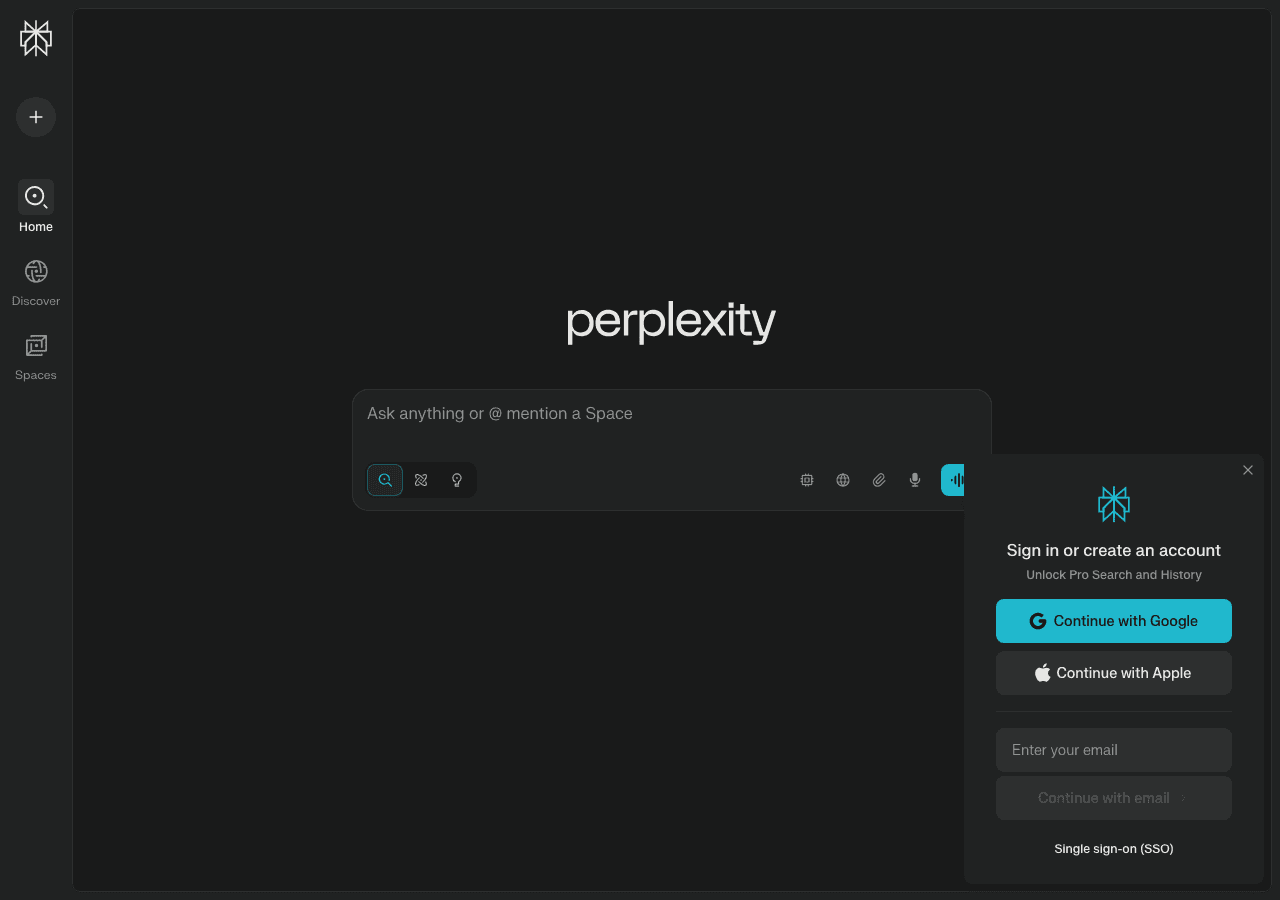
Perplexity
Clear answers from reliable sources, powered by AI.
Perplexity is an AI-powered answer engine that delivers real-time, source-cited responses by combining advanced language models with live web search. Key features include Deep Research for comprehensive reports, Copilot for guided exploration, Perplexity Labs for interactive reports, data analysis, code execution, and visualizations (since May 2025), Comet Browser, specialized focus modes (Academic, News, YouTube, Web, Pro-Search, Reasoning), multimodal processing (text, images, videos, documents, file uploads), collaborative Spaces, Shopping Hub, Finance tools, and integrated browser. Accessible via web and mobile apps with free and Pro/Enterprise plans.

Claude
Your trusted AI collaborator for coding, research, productivity, and enterprise challenges
Claude is a conversational AI, code assistance, and productivity solution for professionals and teams. It offers advanced reasoning capabilities, supports long-context workflows, provides safe agentic automation, and includes enterprise-grade security and governance features.
The AI that actually does things.
OpenClaw — Personal AI Assistant is openClaw is an AI personal assistant that automates tasks across platforms. It's designed for individuals seeking to delegate routine tasks. Key differentiators include its open-source nature and on-premise hosting. Category: Productivity & Collaboration, Code Assistance. Topics: ...
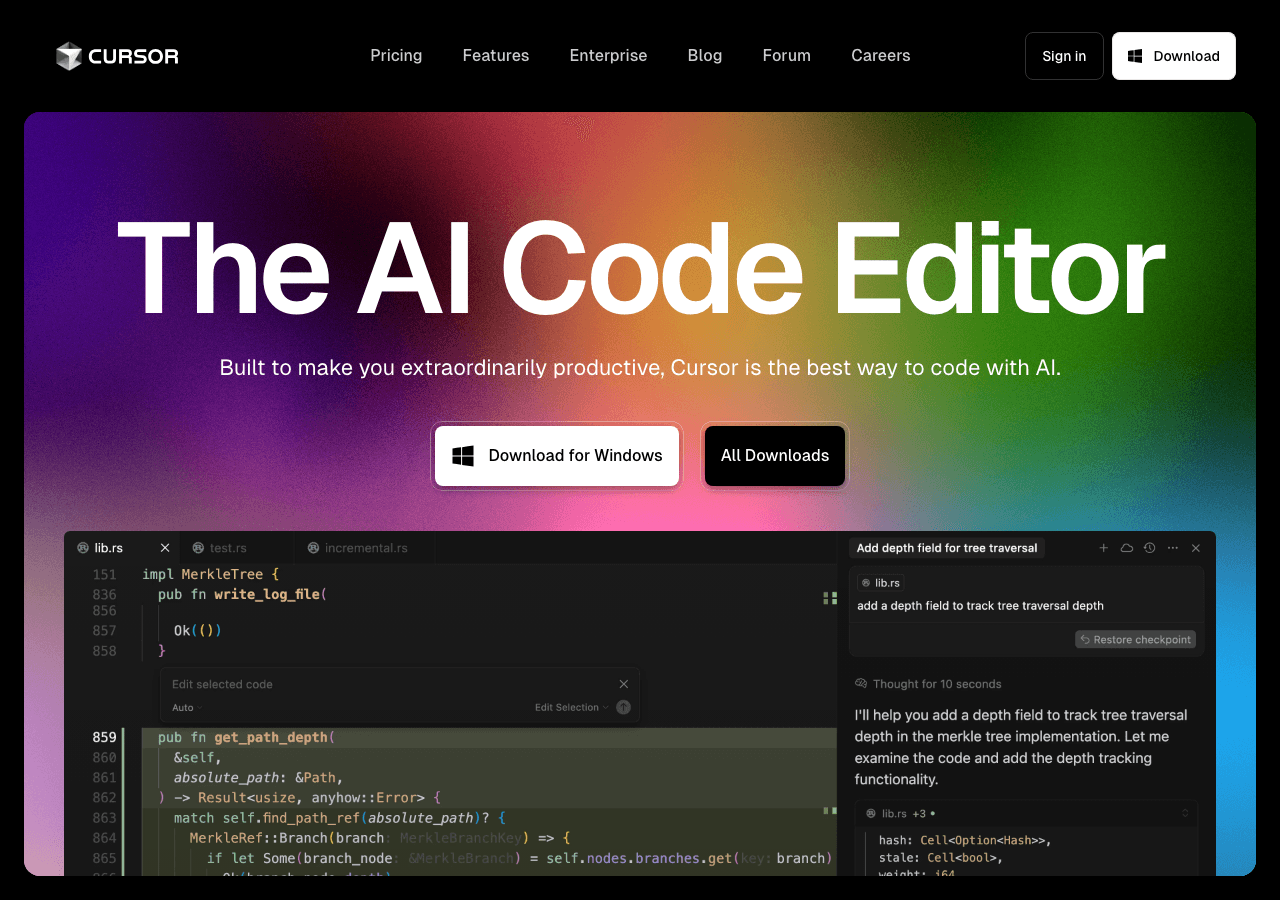
Cursor
The AI code editor that understands your entire codebase
Cursor is an AI-first code editor and IDE, forked from VS Code, with deeply integrated AI for intelligent code generation, refactoring, debugging, context-aware codebase chat, advanced tab autocomplete with multi-line predictions, Composer mode for multi-file edits, Agent mode with planning and PR workflows, Plan Mode, Rules, Slash Commands, Browser control, Hooks, Background Agents, own Composer model, support for models like GPT-4o, Claude 3.5 Sonnet, Gemini, xAI, image support, web search, customizable rules, full codebase understanding, real-time suggestions, AI Code Review, Instant Grep, and visual DOM editing—maximizing developer productivity.
DeepSeek
Efficient open-weight AI models for advanced reasoning and research
DeepSeek is a Chinese AI company founded in 2023 by Liang Wenfeng in Hangzhou, backed by High-Flyer hedge fund. It develops efficient open-weight large language models like DeepSeek-R1 (Jan 2025), DeepSeek-V3 (Dec 2024), and DeepSeek-V2, excelling in reasoning, multilingual tasks, and cost-effective training/inference despite US chip restrictions. Models use self-learning and reinforcement learning for competitive performance with fewer resources. All models and research are open-source, accessible via web, API, and apps. Note: Data collection (chats, files) sent to China servers raises GDPR/privacy concerns.

Create, edit, and design with industry-leading AI-powered image innovation.
Adobe Photoshop is the industry-standard photo editing and design software for Windows, macOS, iPad, and web. It empowers creative professionals to create, edit, and enhance images using advanced tools and AI features powered by Adobe Firefly Image 3, including improved Generative Fill, smarter Remove Tool for distraction removal (wires, people), Generative Expand, Generate Similar, Selection Brush, Harmonize (Beta) for realistic compositing, Generative Upscale (Beta), Projects (Beta) for cloud organization, Gen AI Model Picker, 3D model integration via Substance 3D Viewer Beta, dynamic text, refined subject selection, 32-bit HDR support, and partner AI models. Frequent updates deliver innovation for photography, compositing, digital art, graphic design, and 3D modeling.

Tomorrow’s editor, today. The first agent-powered IDE built for developer flow.
Windsurf is an AI-native, agentic IDE (formerly Codeium) for developers, featuring Cascade for whole-codebase understanding with workflow rules in .windsurfrules, multi-file refactoring, automated cleanup, TypeScript error fixing, Supercomplete intent-aware autocomplete, Inline AI, image-to-code, live editor previews, Windsurf Tab for auto-imports and package suggestions, one-click deployments, AI terminal commands, Windsurf Browser with AI integration, web search, Figma integration, extensive model support (Claude 3.5 Sonnet, GPT-5-Codex, Gemini), privacy-first policies, VS Code/JetBrains plugins, and cross-platform compatibility (Mac, Windows, Linux) to maximize productivity via agentic automation and testable code changes.

DeepL
The world’s most accurate AI translator
DeepL is an advanced AI language platform offering highly accurate translations of text, documents, speech, and files across 31+ languages. It delivers context-aware, natural-sounding translations using neural networks, with features like Clarify for interactive clarifications (DE-EN), real-time voice translation, DeepL Write Pro for writing assistance, grammar correction, tone adjustment, custom glossaries, offline mode (Pro), collaboration tools, and enterprise API with security and integrations.

All the AI magic of Canva, in one place.
Magic Studio is Canva’s centralized suite of over 20 AI-powered tools, streamlining creative workflows by enabling users to instantly generate, edit, and transform designs, text, images, videos, and audio—all within Canva. Core features include Magic Design for instant layouts and presentations from prompts, Magic Media for text-to-image/video, Magic Edit, Magic Eraser, Magic Grab, Magic Morph, Magic Expand, Magic Write for text generation, Magic Switch & Resize for multi-format/language conversion, Magic Animate, Beat Sync, Magic Backgrounds for AI-generated backgrounds, Background Remover/Generator, plus access to a growing marketplace of third-party AI apps like Dolly and Runway. Recent additions from Canva Create 2025 include enhanced Brand Kit 2.0, Brand Guidelines, 3D elements, text gradients, and Photo Editor with point-and-click editing. Built for individuals, teams, and enterprises (Pro+ required for full access), it emphasizes intuitive usability, speed, brand management
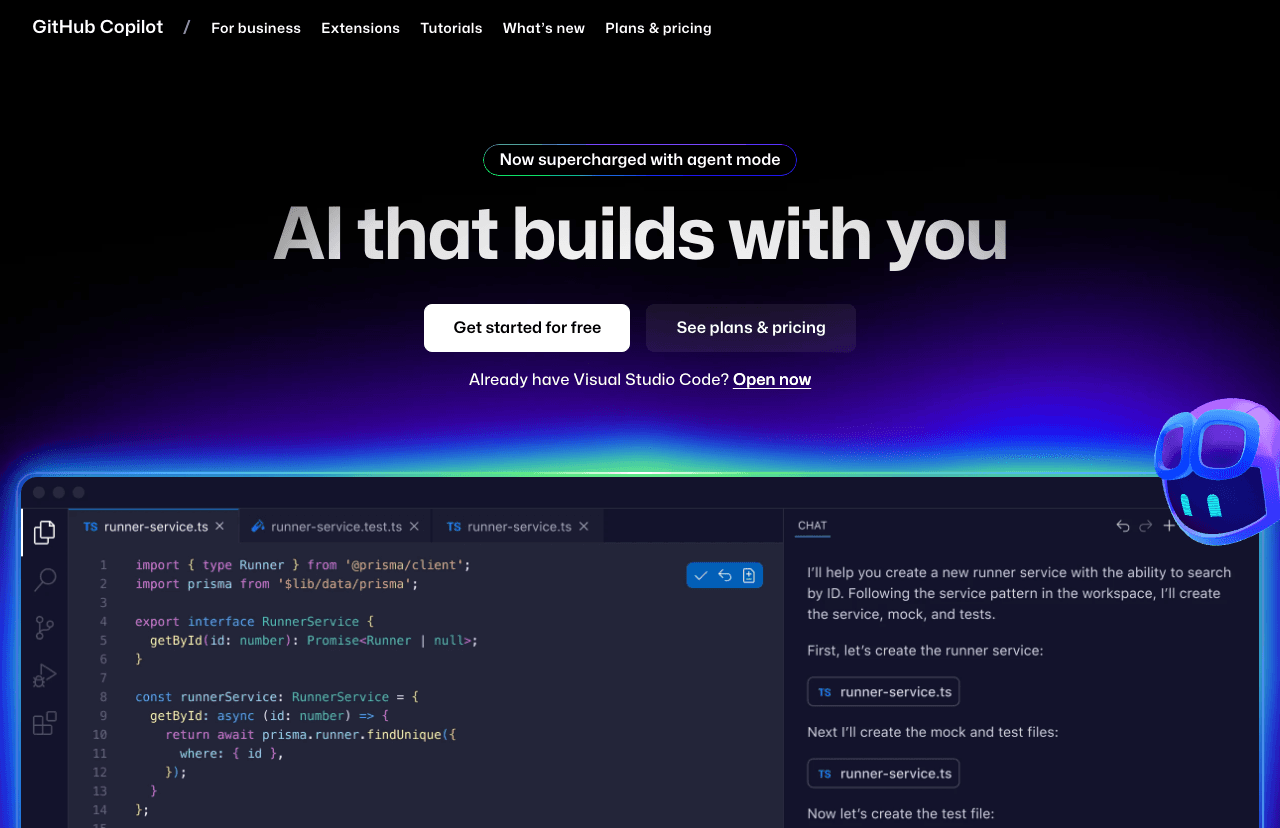
Your AI pair programmer and autonomous coding agent
GitHub Copilot is an AI-powered coding assistant and autonomous agent that integrates directly in IDEs (VS Code, Visual Studio, JetBrains, Xcode, Eclipse, Vim/Neovim) and the cloud. It provides code completions, next edit predictions, inline chat, multi-file editing, intelligent actions for tests/docs/fixes, and agent mode for handling issues, pull requests, refactoring, app modernization (.NET/Java), error fixing, test coverage, and multi-step workflows. New 2025 features include Copilot Free tier, enhanced agent with MCP integration, custom agents for workflows (CI/CD, security), open-sourced chat extension, and support for 15M+ developers.[1][2][3][4][5][6]
Not seeing the right fit for Students?
Describe your exact workflow and let the AI finder suggest tools beyond this shortlist.
Explore AI tool categories
Compare finalists after your shortlist
Once you know the workflow, use focused comparisons and related writing & translation tools to make the final call.
vsGoogle Gemini vs Perplexity
vs
Google Gemini vs Claude
vs
Google Gemini vs DeepSeek


FAQ
What are common AI workflows for Students?
Convert lecture recordings and notes into concise study guides and flashcards. Practice with AI-generated quizzes that adapt to strengths and weaknesses. Outline essays, cite sources, and proofread drafts while maintaining academic integrity. Create study schedules that balance exams, projects, and personal commitments.
How do I choose the right AI tool for Students?
Distraction-free interfaces and integrations with campus platforms. Citation tools and originality checks to avoid accidental plagiarism. Analytics showing progress, spaced repetition reminders, and accountability nudges. Support for collaborative study—shared decks, peer tutoring, or group workspaces.
Are there free options for Students?
Yes—many vendors offer free tiers or generous trials. Confirm usage limits, export rights, and upgrade triggers so you can scale without hidden costs.
How should I compare pricing for Students tools?
Normalize plans to your usage, including seats, limits, overages, required add-ons, and support tiers. Capture implementation and training costs so your business case reflects the full investment.
What due diligence is essential before choosing tools for Students?
Over-reliance leading to shallow learning. Choose tools that prompt reflection, ask follow-up questions, and encourage self-explanations. Time management still slipping despite planning. Look for assistants that integrate calendars, send reminders, and break tasks into actionable chunks. Maintaining integrity when AI can generate full answers. Use platforms with guided problem-solving rather than answer dumps, and uphold honor codes.
How do we roll AI out to the entire students team?
Set clear goals for the semester—GPA targets, skill mastery, well-being. Use the AI assistant to plan each week, review daily, and adjust based on feedback. Form study circles where classmates share prompts and tactics.
Which metrics prove AI is delivering ROI?
Grade improvements or mastery of learning objectives. Consistency of study sessions and completion of practice sets. Stress reduction and better sleep due to structured planning. Scholarships or internship wins tied to improved performance.
Any advanced strategies once the basics are working?
Build a personal knowledge base—log prompts, explanations, and reflections so future semesters compound your learning.
High-Impact Workflows You Can Automate Today
- Convert lecture recordings and notes into concise study guides and flashcards.
- Practice with AI-generated quizzes that adapt to strengths and weaknesses.
- Outline essays, cite sources, and proofread drafts while maintaining academic integrity.
- Create study schedules that balance exams, projects, and personal commitments.
Tool Selection Framework for Students
Use this checklist when evaluating new platforms so every trial aligns with your workflow, governance, and budget realities:
- Distraction-free interfaces and integrations with campus platforms.
- Citation tools and originality checks to avoid accidental plagiarism.
- Analytics showing progress, spaced repetition reminders, and accountability nudges.
- Support for collaborative study—shared decks, peer tutoring, or group workspaces.
Challenges & Risk Mitigation
Over-reliance leading to shallow learning.
Time management still slipping despite planning.
Maintaining integrity when AI can generate full answers.
Adoption & Change Management Playbook
Set clear goals for the semester—GPA targets, skill mastery, well-being. Use the AI assistant to plan each week, review daily, and adjust based on feedback. Form study circles where classmates share prompts and tactics.
Success Metrics to Track
- Grade improvements or mastery of learning objectives.
- Consistency of study sessions and completion of practice sets.
- Stress reduction and better sleep due to structured planning.
- Scholarships or internship wins tied to improved performance.
Collaboration Tips & Advanced Strategies
- Share flashcards and quiz sets with classmates to reinforce accountability.
- Co-create prompt libraries for each course so peers benefit from collective insights.
- Loop professors or teaching assistants in when AI identifies persistent knowledge gaps.
Pro move
Build a personal knowledge base—log prompts, explanations, and reflections so future semesters compound your learning.