
- 1 ratings
- 4.0
- Favorites
- 1
- Pricing
- $12 – $15 / month
- Platform
- Web App / API
Overview
Dashworks is a cloud-based AI assistant for workplace questions that unifies company data across apps like Notion, Slack, G-suite, and more, providing instant natural language search, accurate answers, custom bots, and integrations for teams in support, sales, engineering, and product management. Dashworks announced that it is joining forces with HubSpot...
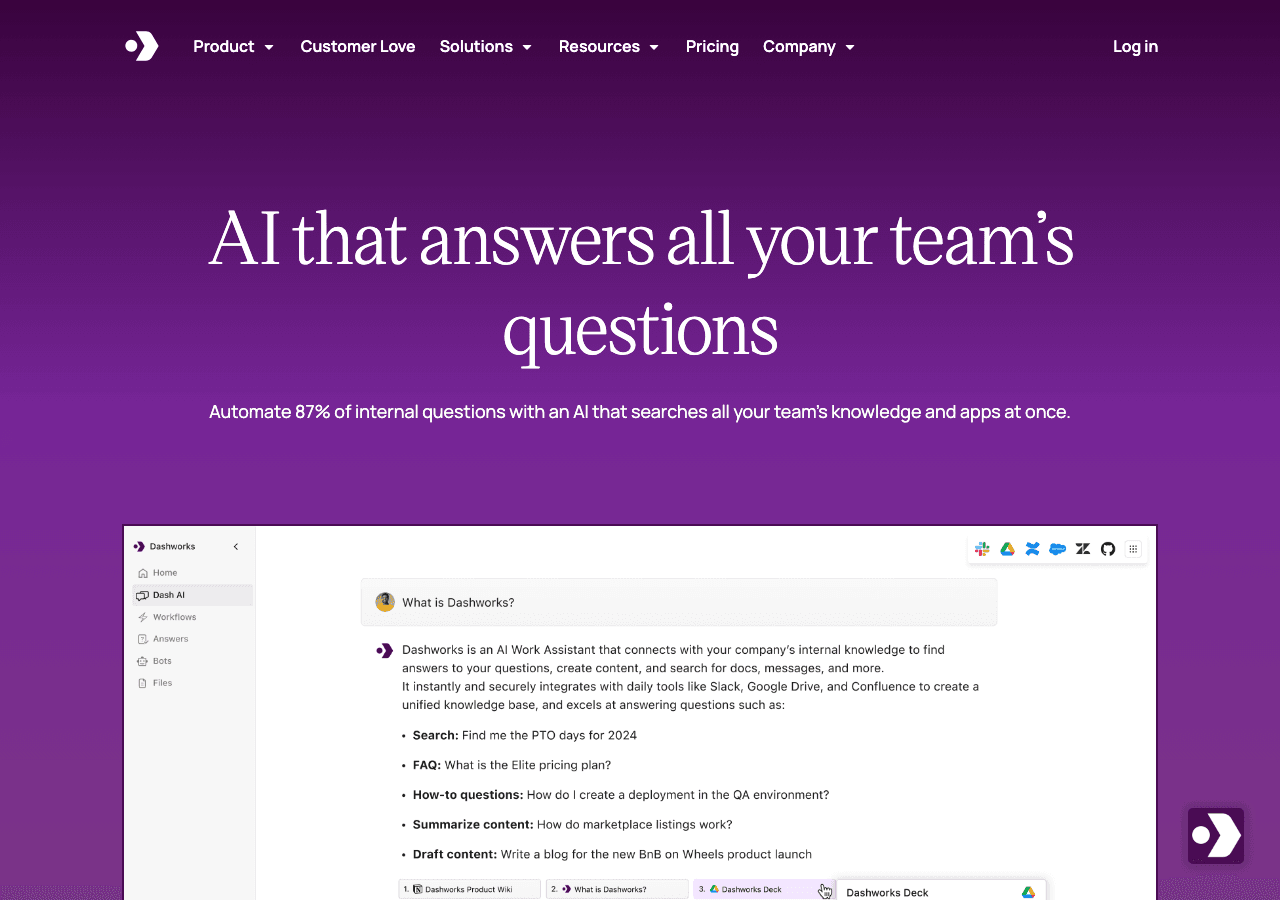
AI that answers all your team’s questions
Key Features
Developer-friendly API
Webhook and API support keep Dashworks aligned with bespoke internal processes.
Client libraries available
Official SDKs handle authentication, retries, and error handling automatically.
Support & service excellence
Dashworks unifies tickets, context, and communication so agents resolve faster. Dashworks can help customer-facing teams
Rate this Tool
About Dashworks
“AI that answers all your team’s questions”
Dashworks Snapshot
Key facts we track so you can judge fit before visiting the provider.
- Primary category
- Search & Discovery
- Best fit
- Business Executives, Product Managers, Entrepreneurs +2 more
- Platforms
- Web App, API
- Pricing signal
- Subscription, Enterprise +1 more - $12 – $15 / month
- Provider context
- Dashworks (HubSpot) - US
- Known integrations
- Plugin/Integration
- Developer access
- API documentation, Python, JavaScript/TypeScript
- Data handling
- Global hosting, Privacy policy linked
Before you choose Dashworks
- Confirm Dashworks's current limits, renewal terms, and seat pricing on the official site.
- Review privacy, retention, and data-processing terms before using sensitive data.
- Test the integrations or API path against one real workflow before rollout.
- Make sure the supported platform matches where your team actually works.
Listing data is compiled from structured provider information, public signals, submissions, and periodic checks where available. Treat this page as a shortlist aid, then verify pricing, compliance, and product limits with the provider before making a business-critical decision.
How Dashworks Works
Understanding the core functionality and approach of Dashworks.
Usage-based pricing keeps Dashworks aligned with actual consumption. Finance teams pay only for the outcomes the organization really uses. Dashworks plugs into Plugin/Integration so data stays in sync.
Key Features
Explore what makes Dashworks stand out.
Developer-friendly API
Webhook and API support keep Dashworks aligned with bespoke internal processes.
Client libraries available
Official SDKs handle authentication, retries, and error handling automatically.
Support & service excellence
Dashworks unifies tickets, context, and communication so agents resolve faster. Dashworks can help customer-facing teams if its AI outputs stay grounded in approved support material.
Use Cases
Discover how different audiences leverage Dashworks.
Get started quickly
Dashworks supports teams in Search & Discovery—making workflows predictable and outcomes measurable. Usage-based billing in Dashworks makes cost modeling important before production rollout.
FAQ about Dashworks
What is Dashworks and what does it do?
How much does Dashworks cost?
Is Dashworks secure and compliant with data privacy regulations?
What platforms does Dashworks support?
What file formats does Dashworks support?
Who develops and maintains Dashworks?
How do I get access to Dashworks?
How is usage measured and billed in Dashworks?
What deployment options does Dashworks offer?
Who is Dashworks best suited for?
Compare Similar Tools
See how Dashworks stacks up against similar alternatives in the market.

Notion AI
The all-in-one AI workspace that takes notes, searches apps, and builds workflows where you work.

Google Gemini
Your everyday Google AI assistant for creativity, research, and productivity

Keep Dashworks's listing accurate
Providers can update product facts, pricing context, screenshots, and launch notes. Paid placements are labeled separately and do not replace editorial or data-quality review.
How to Evaluate Dashworks
Compare Dashworks with Guru, Glean, eesel AI and other alternatives before you decide. The goal is not to pick the most popular product; it is to find the tool that fits your actual workflow, risk level, and budget.
- Step 1Test Dashworks with one real workflow before moving important work into it.
- Step 2Model the full monthly cost at your expected usage, including seats, limits, and overages.
- Step 3Verify the integration path with your existing stack before you commit.
- Step 4Review privacy, retention, and compliance terms before using sensitive data.
For developer teams, inspect the Python SDK and JavaScript/TypeScript support. Review the API documentation for auth, rate limits, errors, and export behavior. For broader context, browse more search & discovery tools for business executives, or compare this page against the category hub. New to AI tool evaluation? Start with AI Tool Navigator.
Share Dashworks
Help others discover Dashworks by sharing it on your favorite platforms.
Report an Issue
Found incorrect information or have concerns about Dashworks? Let us know.
Need a tool shortlist for a real business use case?
Get a structured 3-5 tool recommendation, pricing comparison, and implementation roadmap for your team.