AI Tools for Remote Workers
Explore 542 curated AI tools for Remote Workers, organized around real workflows, selection criteria, and practical adoption risks.
Remote professionals need structure and connection. AI work companions orchestrate meetings, document outcomes, and keep distributed teams aligned across time zones.
Hybrid work is here to stay, but meeting fatigue and misaligned async workflows burn teams out. AI meeting assistants, async hubs, and productivity bots close collaboration gaps without forcing everyone online 24/7.


Community leaders
ChatGPT · Claude · OpenClaw AI Agent
Start with your workflow
Pick a task to open an AI-assisted recommendation prompt, then compare tools once you have a shortlist.
Summarize meetings, extract action items, and auto-...
Summarize meetings, extract action items, and auto-sync notes to project tools.
Ask AI FinderPlan async standups where AI aggregates updates and...
Plan async standups where AI aggregates updates and flags blockers.
Ask AI Findertime zone scheduling, focus blocks, and energy-awar...
Automate time zone scheduling, focus blocks, and energy-aware reminders.
Ask AI FinderMonitor team sentiment through pulse surveys and re...
Monitor team sentiment through pulse surveys and recommend interventions.
Ask AI FinderShowing 12 of 542 AI tools for Remote Workers

ChatGPT
AI research, productivity, and conversation—smarter thinking, deeper insights.
ChatGPT is an AI chatbot designed for everyday use, assisting users in obtaining answers, finding inspiration, and boosting productivity. It enables interaction with an advanced AI to explore ideas, s

Claude
Your trusted AI collaborator for coding, research, productivity, and enterprise challenges
Claude is a conversational AI, code assistance, and productivity solution for professionals and teams. It offers advanced reasoning capabilities, supports long-context workflows, provides safe agentic automation, and includes enterprise-grade security and governance features.
The AI that actually does things.
OpenClaw — Personal AI Assistant is openClaw is an AI personal assistant that automates tasks across platforms. It's designed for individuals seeking to delegate routine tasks. Key differentiators include its open-source nature and on-premise hosting. Category: Productivity & Collaboration, Code Assistance. Topics: ...

DeepL
The world’s most accurate AI translator
DeepL is an advanced AI language platform offering highly accurate translations of text, documents, speech, and files across 31+ languages. It delivers context-aware, natural-sounding translations using neural networks, with features like Clarify for interactive clarifications (DE-EN), real-time voice translation, DeepL Write Pro for writing assistance, grammar correction, tone adjustment, custom glossaries, offline mode (Pro), collaboration tools, and enterprise API with security and integrations.

All the AI magic of Canva, in one place.
Magic Studio is Canva’s centralized suite of over 20 AI-powered tools, streamlining creative workflows by enabling users to instantly generate, edit, and transform designs, text, images, videos, and audio—all within Canva. Core features include Magic Design for instant layouts and presentations from prompts, Magic Media for text-to-image/video, Magic Edit, Magic Eraser, Magic Grab, Magic Morph, Magic Expand, Magic Write for text generation, Magic Switch & Resize for multi-format/language conversion, Magic Animate, Beat Sync, Magic Backgrounds for AI-generated backgrounds, Background Remover/Generator, plus access to a growing marketplace of third-party AI apps like Dolly and Runway. Recent additions from Canva Create 2025 include enhanced Brand Kit 2.0, Brand Guidelines, 3D elements, text gradients, and Photo Editor with point-and-click editing. Built for individuals, teams, and enterprises (Pro+ required for full access), it emphasizes intuitive usability, speed, brand management
Notion AI
The all-in-one AI workspace that takes notes, searches apps, and builds workflows where you work.
Notion AI is a deeply integrated artificial intelligence assistant within the Notion workspace, available for Business and Enterprise plans in 2025. It leverages multiple leading LLMs, including GPT-4 and Claude, to provide contextual writing, editing, summarizing, multilingual translation, brainstorming, and automation. Key 2025 features include enterprise-level search across connected apps (e.g. Slack, Google Drive), native chat integration, AI-powered meeting notes, research mode for auto-generated documents, advanced database properties for summaries and tags, web search connectivity, and improved team workflow and knowledge management through intelligent agents. Notion AI is not available for Free or Plus plans.
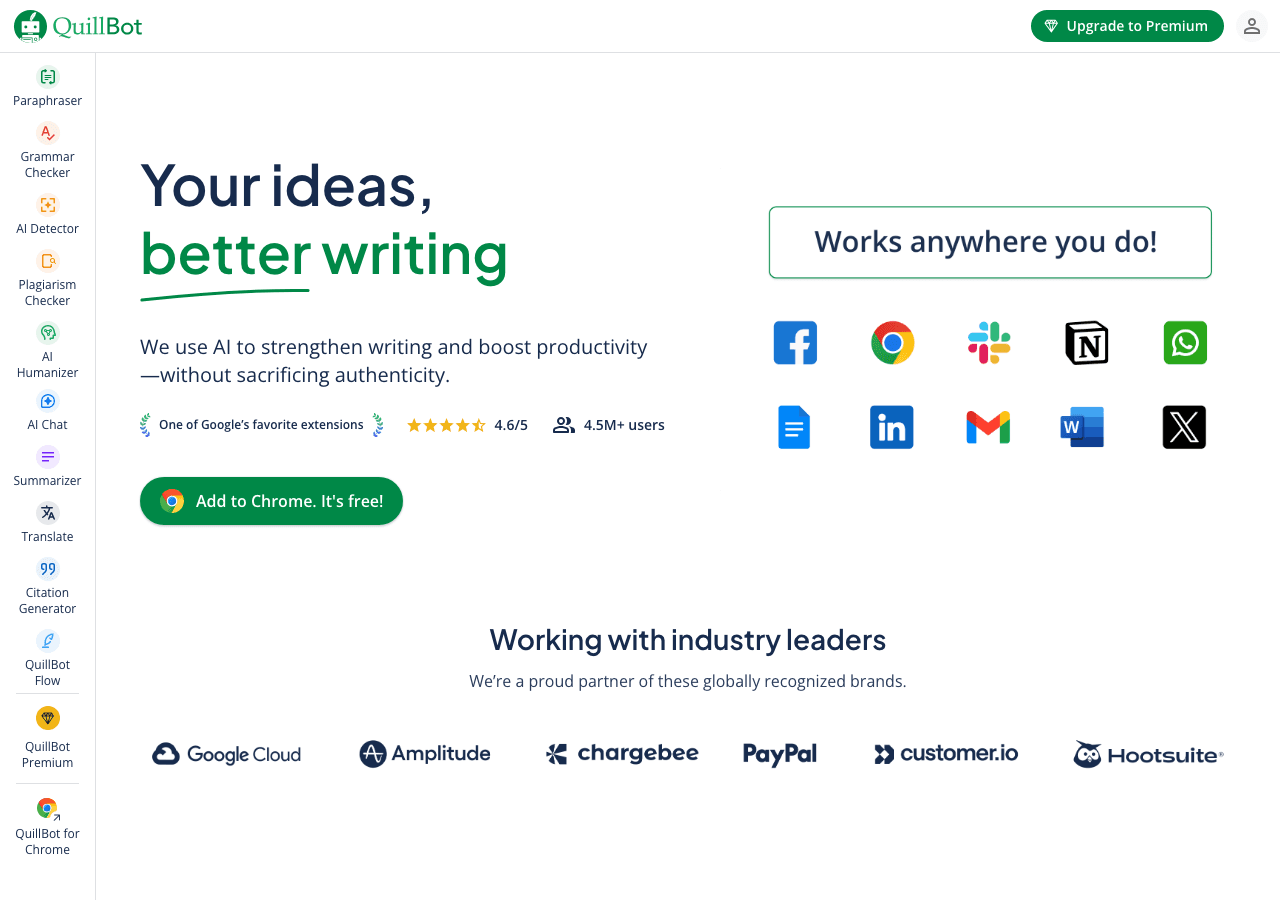
QuillBot
Your all-in-one AI writing assistant
AI-powered writing assistant offering paraphrasing with eight modes (Standard, Formal, Academic, Simple, Creative, Expand, Shorten, Personalized), grammar and spelling checks, text summarization, plagiarism detection, AI detection and humanization, citation generation, translation, AI chat for research and ideation, Co-Writer integrated editor, mobile keyboard support, Chrome extension, and apps for macOS, iPhone, and Android for enhanced writing productivity across platforms.
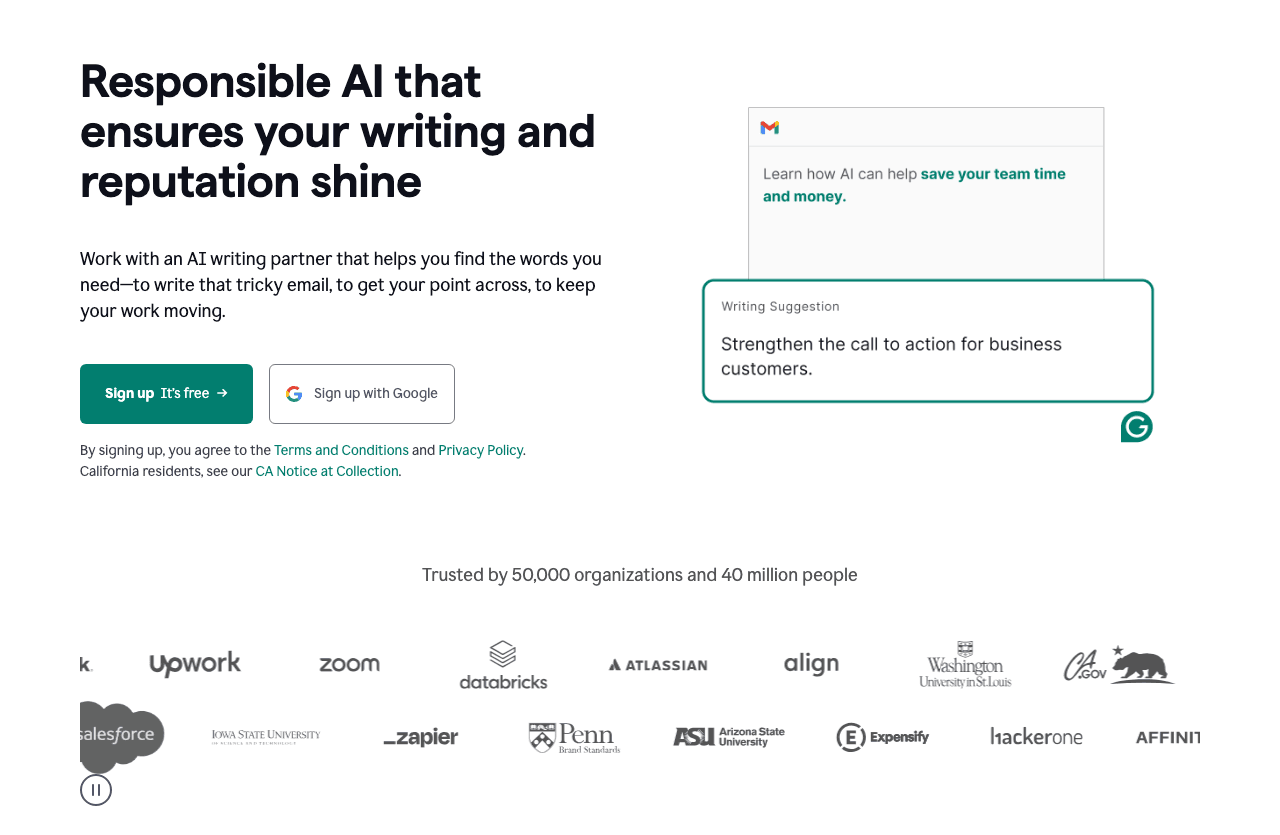
Grammarly
Your AI writing partner for work
Grammarly is an AI-powered communication platform trusted by over 40 million users and 50,000 organizations. It offers real-time grammar, spelling, punctuation, style, tone, and clarity suggestions; plagiarism and AI-content detection; generative AI capabilities for drafting, rewriting, summarizing, and citation generation; and integrates across desktop, mobile, and browser. As of July 2025, Grammarly's ecosystem includes the core writing assistant, Coda (acquired December 2024), Superhuman Mail (acquired July 2025), and the new Superhuman Go AI agent suite.
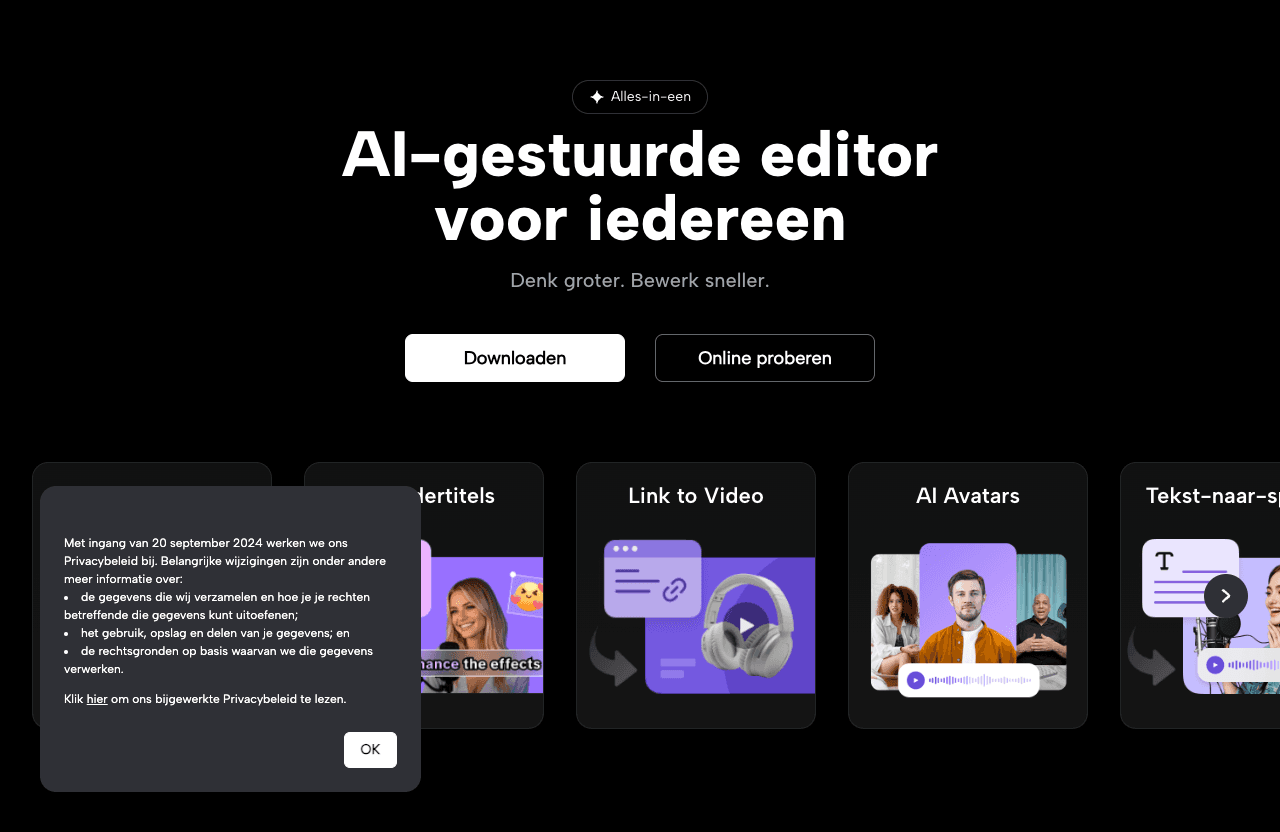
CapCut
Create professional videos effortlessly with AI-powered tools
CapCut is a free and pro video editing platform for desktop, web, and mobile, featuring advanced AI tools such as instant AI video creation from scripts (Script to Video), automated media matching, AI avatars with voiceovers and lip-sync, trending templates, filters, effects, audio tools including noise reduction and voice enhancement, color grading and auto adjustment, professional editing features like keyframe animation, masking, chroma key, picture-in-picture, video stabilization, AI upscaling to 4K, auto reframing, AI relighting, smooth slow motion, automatic captions, object tracking, background removal, robust cloud storage, and direct social media exports for TikTok, YouTube, Instagram, and more.
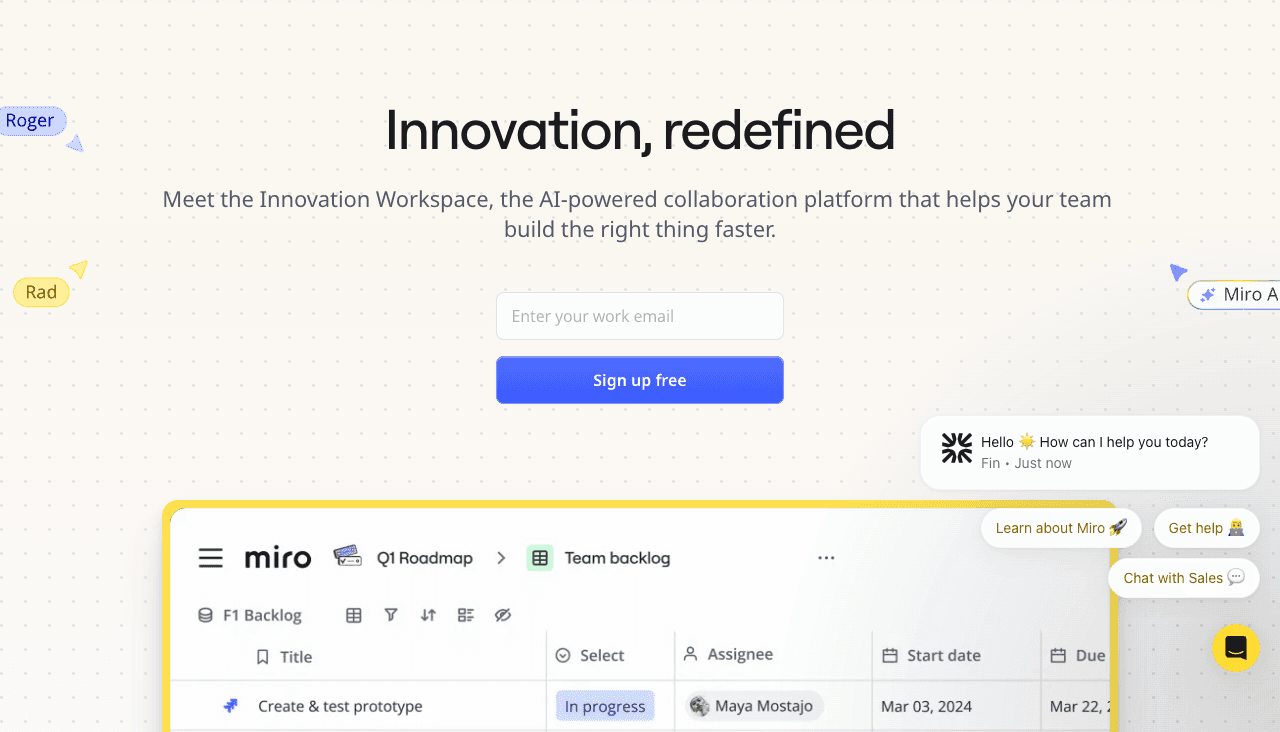
Miro
The AI Innovation Workspace
Miro is an AI Innovation Workspace that empowers distributed teams to accelerate product development, strategy execution, and innovation through visual collaboration—featuring an infinite canvas, AI-powered Sidekicks and Flows, real-time and asynchronous teamwork, 2,500+ templates, and deep integrations with tools like Jira, Figma, Slack, and Microsoft 365 across brainstorming, design, agile workflows, and process management.
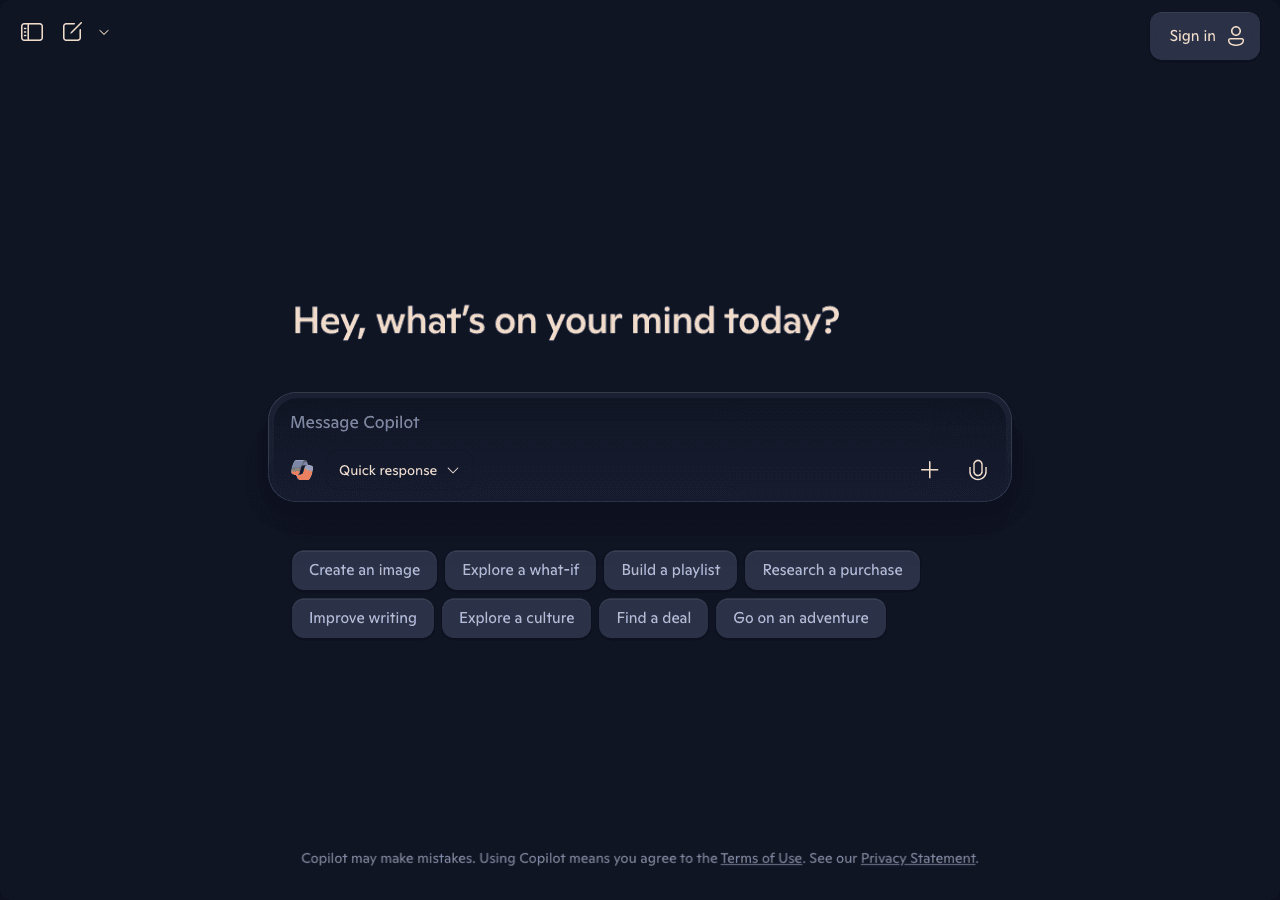
Your everyday AI companion for work, learning, and creativity
Microsoft Copilot is an AI-powered assistant integrated across Microsoft 365, Windows, and the web. It enables productivity and creativity through chat, content generation, agent-based automation, and collaborative features. Core capabilities include Copilot Chat with GPT-4o, real-time collaboration (Groups for up to 32 people), Mico avatar for natural interactions, Memory & Personalization for contextual assistance, enhanced Connectors for multi-account search, Copilot for Health, Learn Live for guided learning, Copilot Mode in Edge, and voice activation on Windows. Microsoft 365 Copilot features Work IQ intelligence layer, specialized agents for Word/Excel/PowerPoint, automated task detection, advanced security with Data Loss Prevention, and integration with Microsoft apps (Outlook, Teams, SharePoint, OneDrive) and third-party systems. Accessible via copilot.microsoft.com, desktop, and mobile.
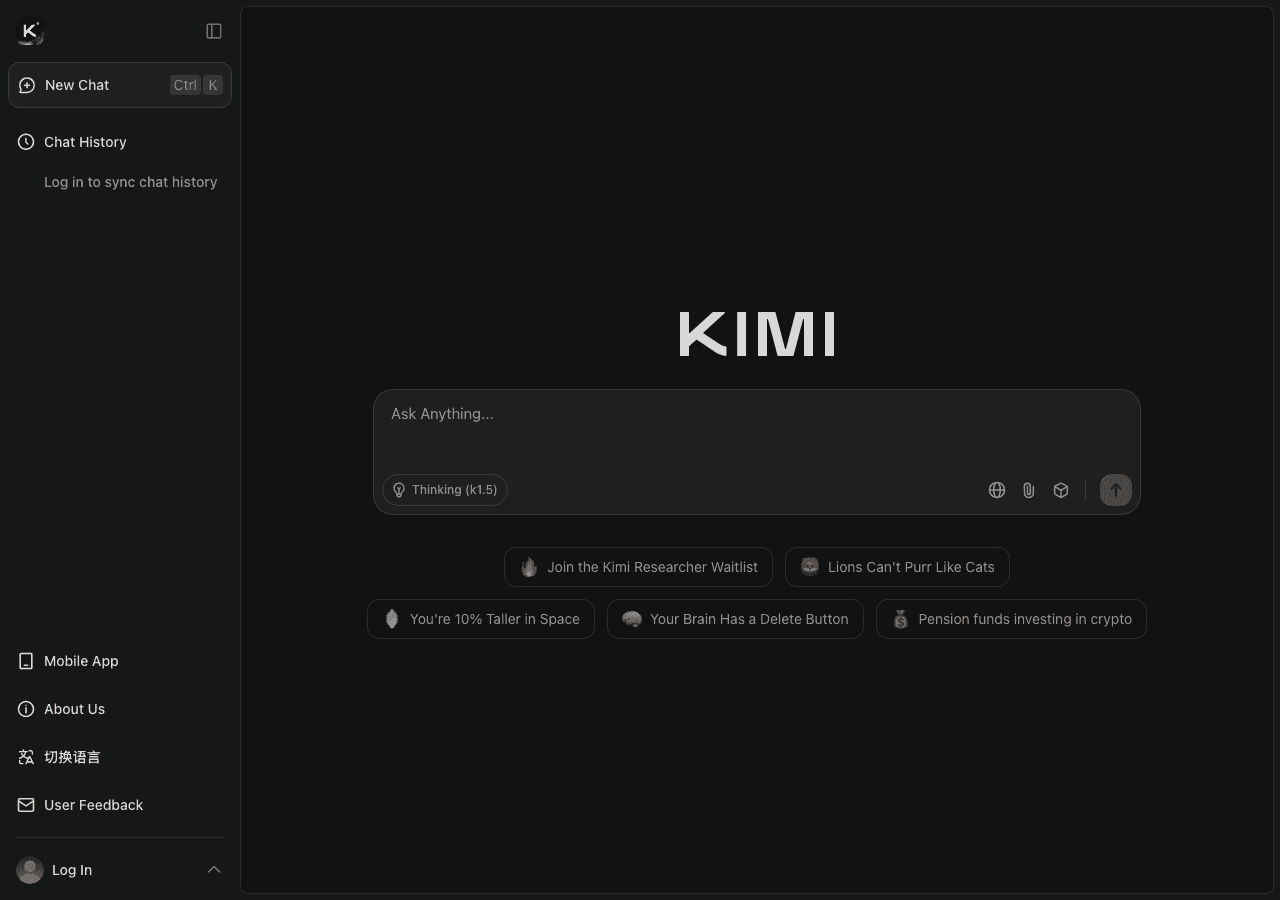
Kimi
Thinking agent for your complex tasks
Try Kimi K3 to build playable multiplayer and 3D games, create consulting grade slides, and run parallel tasks with Swarm and Goal to get more work done.
Not seeing the right fit for Remote Workers?
Describe your exact workflow and let the AI finder suggest tools beyond this shortlist.
Explore AI tool categories
FAQ
What are common AI workflows for Remote Workers?
Summarize meetings, extract action items, and auto-sync notes to project tools. Plan async standups where AI aggregates updates and flags blockers. Automate time zone scheduling, focus blocks, and energy-aware reminders. Monitor team sentiment through pulse surveys and recommend interventions.
How do I choose the right AI tool for Remote Workers?
Strong integrations with Slack, Teams, Notion, Asana, and calendar systems. Privacy controls to keep recordings and transcripts secure. Configurable notification policies to avoid alert overload. Dashboards that visualize workload, burnout risk, and collaboration patterns.
Are there free options for Remote Workers?
Yes—many vendors offer free tiers or generous trials. Confirm usage limits, export rights, and upgrade triggers so you can scale without hidden costs.
How should I compare pricing for Remote Workers tools?
Normalize plans to your usage, including seats, limits, overages, required add-ons, and support tiers. Capture implementation and training costs so your business case reflects the full investment.
What due diligence is essential before choosing tools for Remote Workers?
Information overload across chat and documents. Adopt AI that curates daily digests, highlights decision logs, and archives noise automatically. Loneliness or disengagement in distributed teams. Use AI nudges for social check-ins, recognition, and pairing teammates for rotating collaborations. Security concerns when tools listen to meetings. Select vendors with encryption, compliance attestations, and transparent data retention policies.
How do we roll AI out to the entire remote workers team?
Introduce AI notetakers in recurring meetings, then share the time saved. Roll out async status bots to reduce standups. Codify collaboration rituals—weekly retros, monthly social sessions—and let AI manage logistics.
Which metrics prove AI is delivering ROI?
Meeting hours reduced or converted to async updates. Task completion and throughput in project tools. Employee engagement or eNPS scores. Onboarding time for new remote hires.
Any advanced strategies once the basics are working?
Feed anonymized sentiment data into leadership dashboards to spot burnout early and adjust workloads compassionately.
High-Impact Workflows You Can Automate Today
- Summarize meetings, extract action items, and auto-sync notes to project tools.
- Plan async standups where AI aggregates updates and flags blockers.
- Automate time zone scheduling, focus blocks, and energy-aware reminders.
- Monitor team sentiment through pulse surveys and recommend interventions.
Tool Selection Framework for Remote Workers
Use this checklist when evaluating new platforms so every trial aligns with your workflow, governance, and budget realities:
- Strong integrations with Slack, Teams, Notion, Asana, and calendar systems.
- Privacy controls to keep recordings and transcripts secure.
- Configurable notification policies to avoid alert overload.
- Dashboards that visualize workload, burnout risk, and collaboration patterns.
Challenges & Risk Mitigation
Information overload across chat and documents.
Loneliness or disengagement in distributed teams.
Security concerns when tools listen to meetings.
Adoption & Change Management Playbook
Introduce AI notetakers in recurring meetings, then share the time saved. Roll out async status bots to reduce standups. Codify collaboration rituals—weekly retros, monthly social sessions—and let AI manage logistics.
Success Metrics to Track
- Meeting hours reduced or converted to async updates.
- Task completion and throughput in project tools.
- Employee engagement or eNPS scores.
- Onboarding time for new remote hires.
Collaboration Tips & Advanced Strategies
- Share AI-generated briefs before meetings so everyone arrives prepared.
- Rotate ownership of prompt templates for retros, planning, and status updates.
- Use AI to celebrate wins—auto-generate highlight reels or gratitude notes.
Pro move
Feed anonymized sentiment data into leadership dashboards to spot burnout early and adjust workloads compassionately.